Category-specific shot recipes
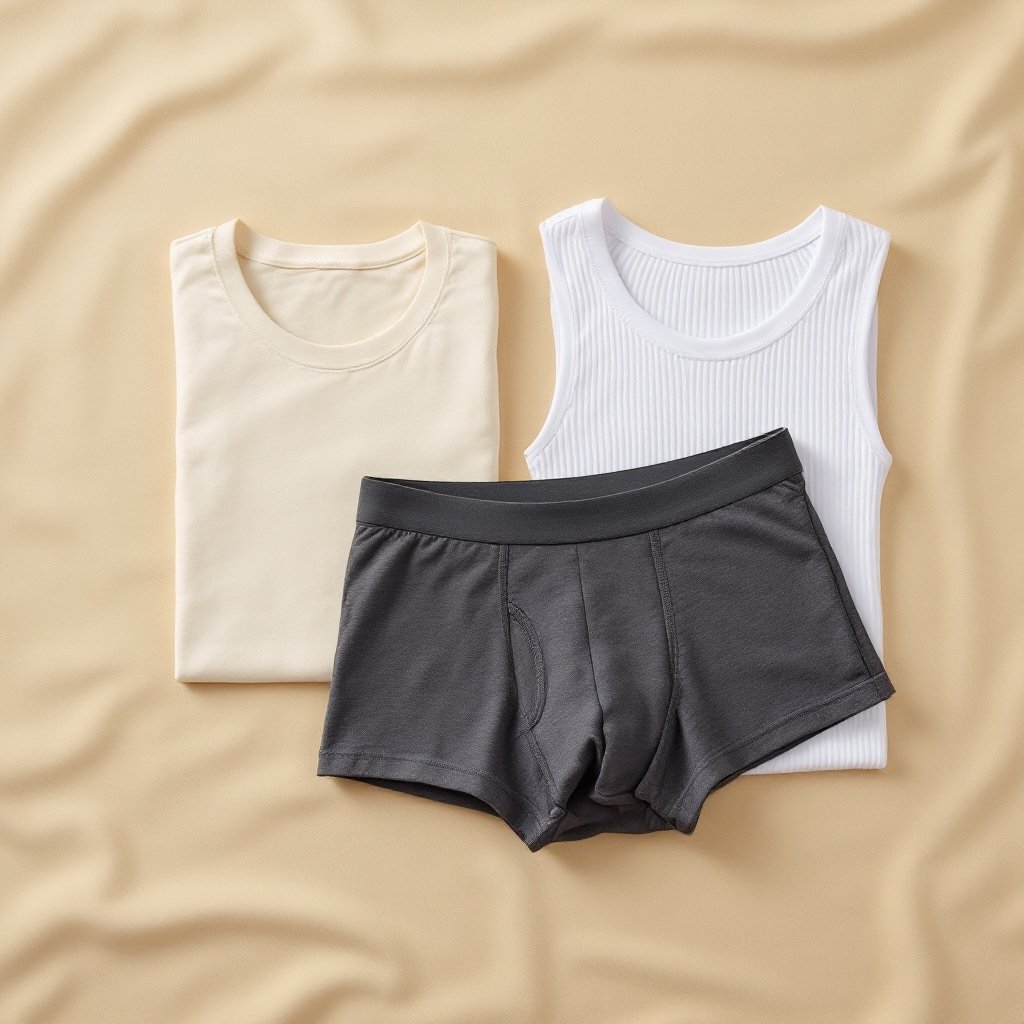
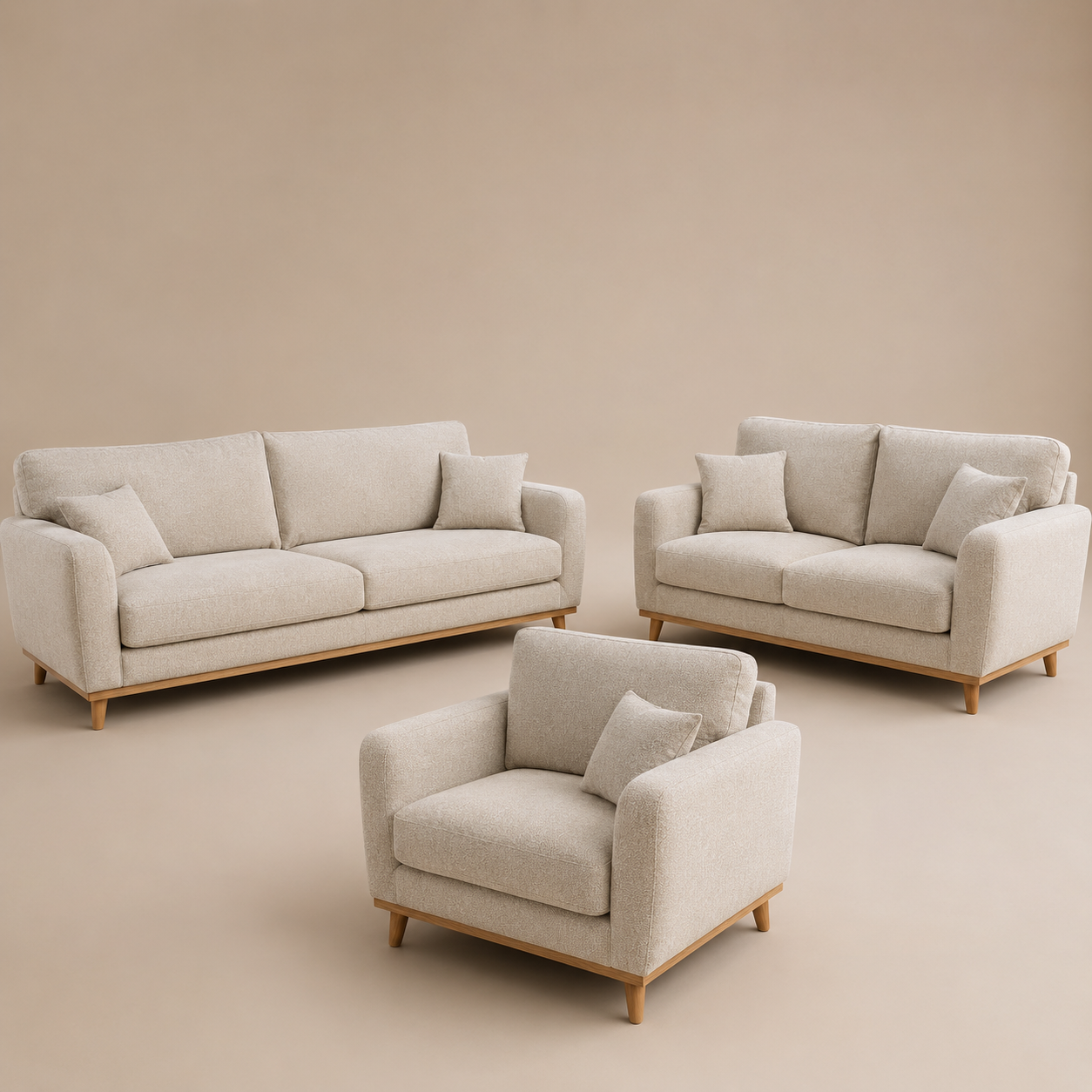
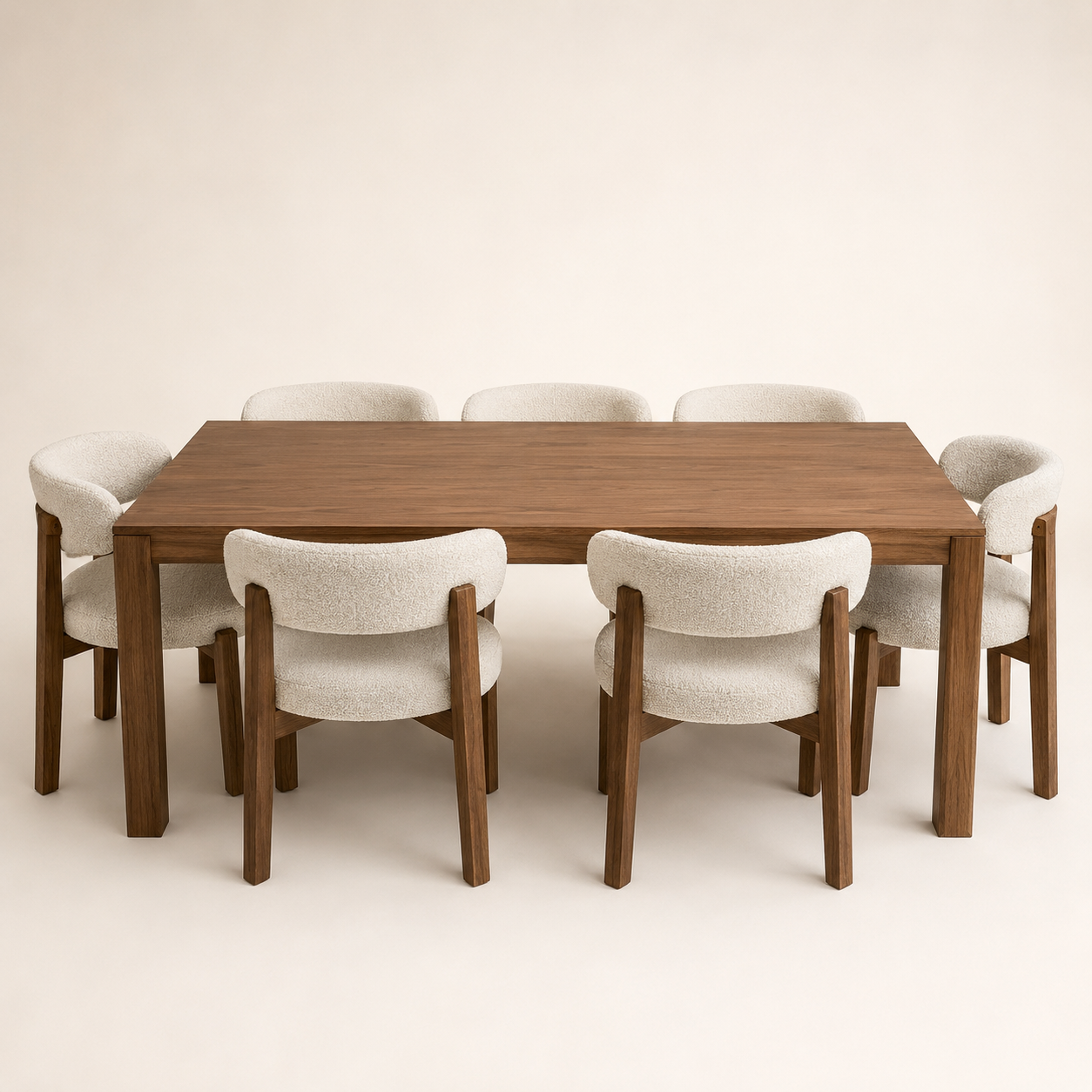
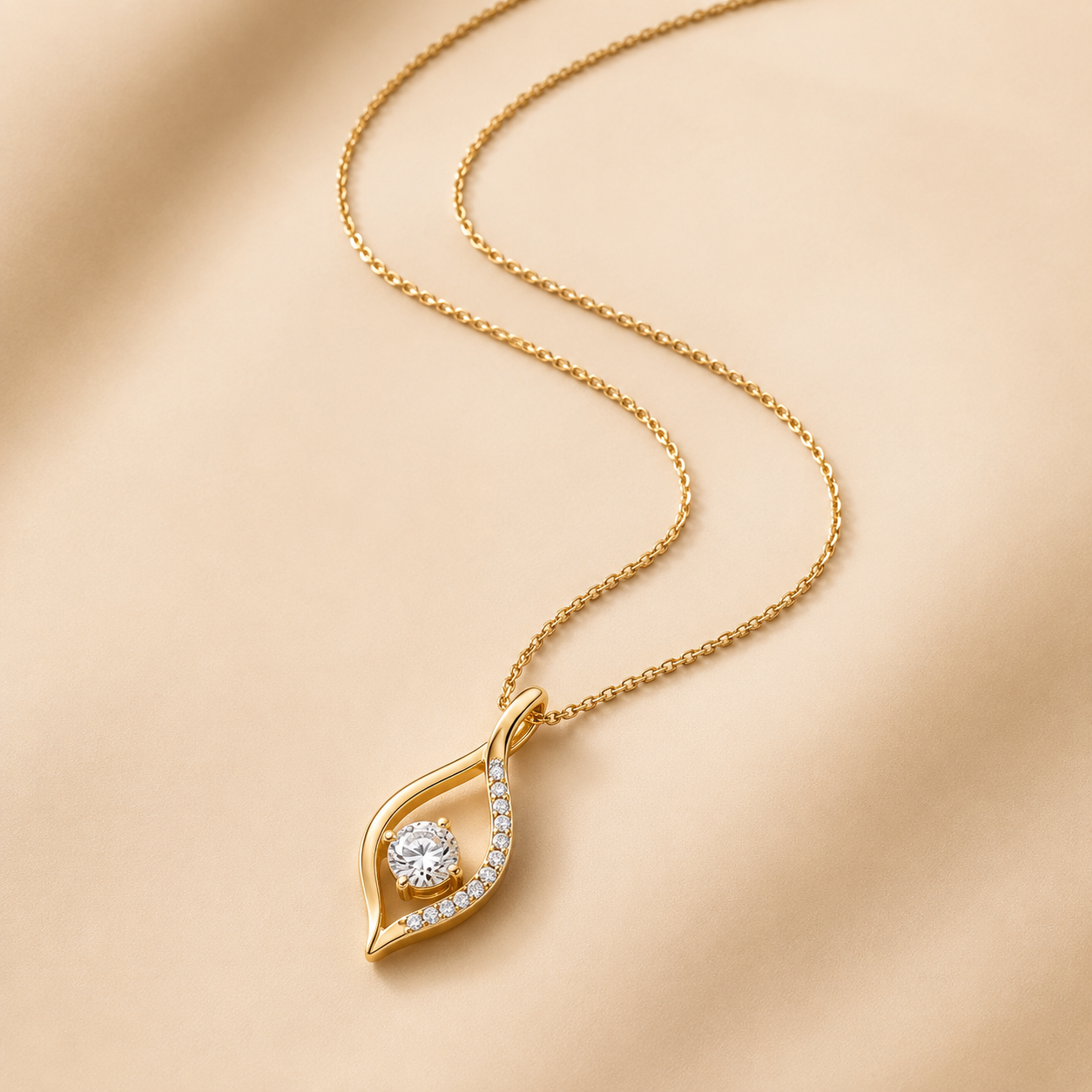
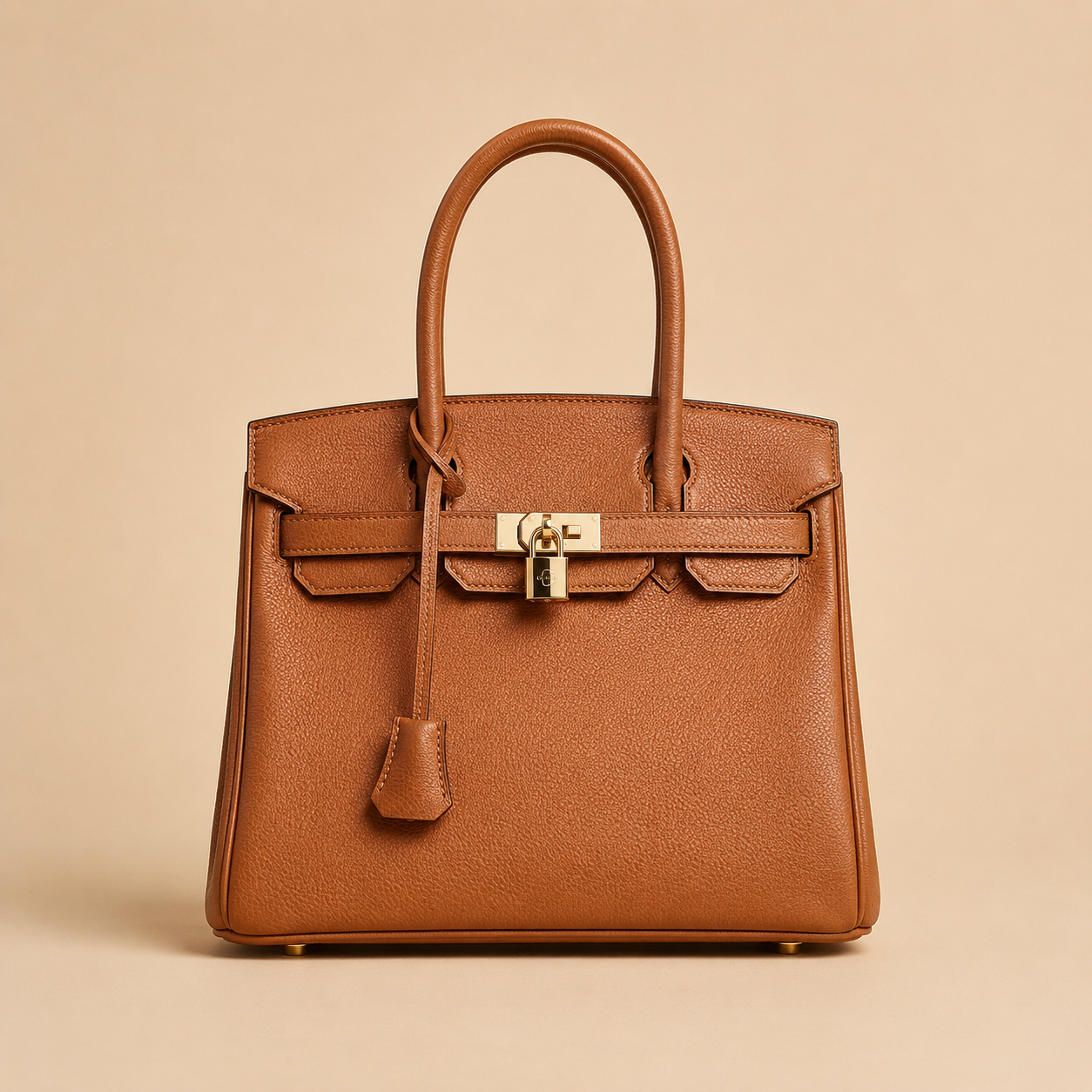
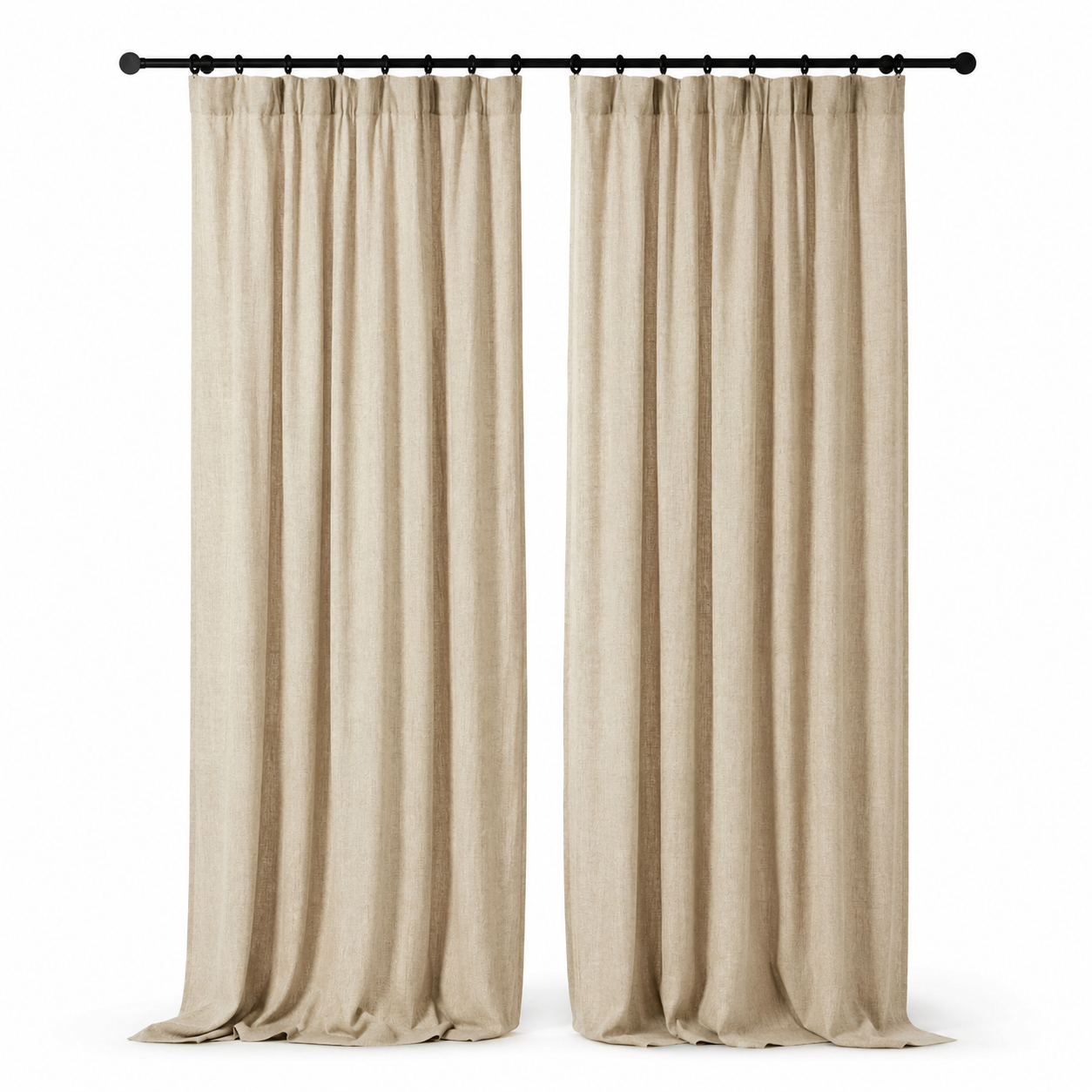
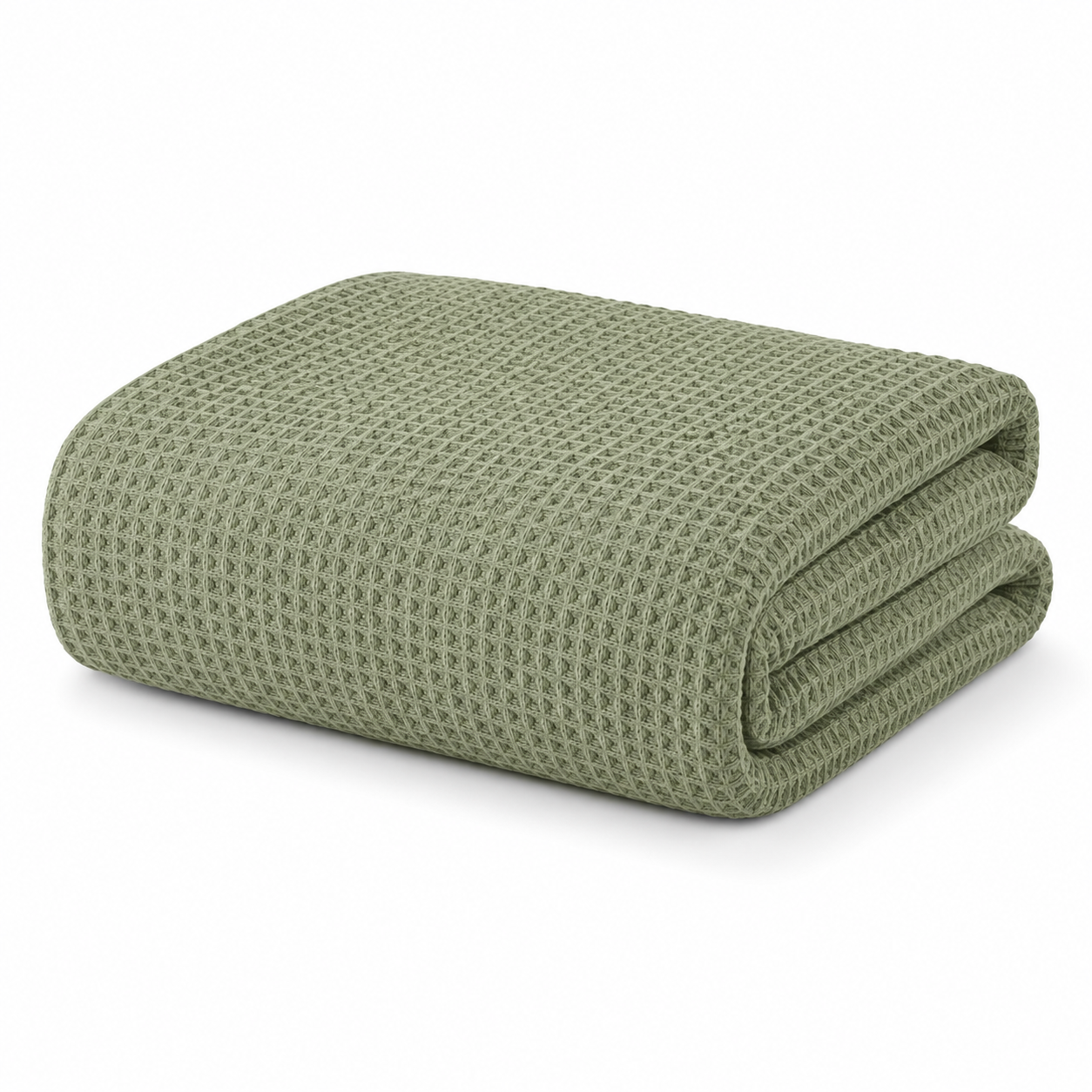
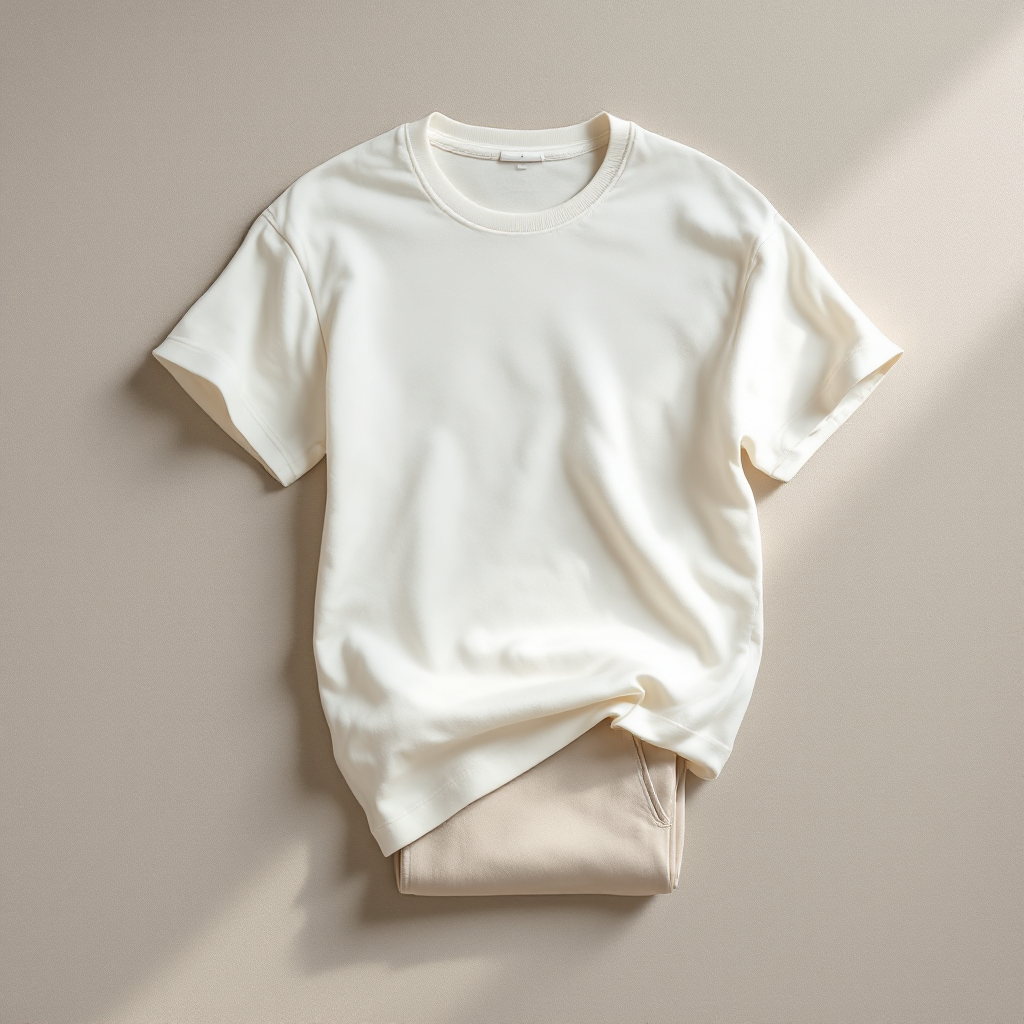
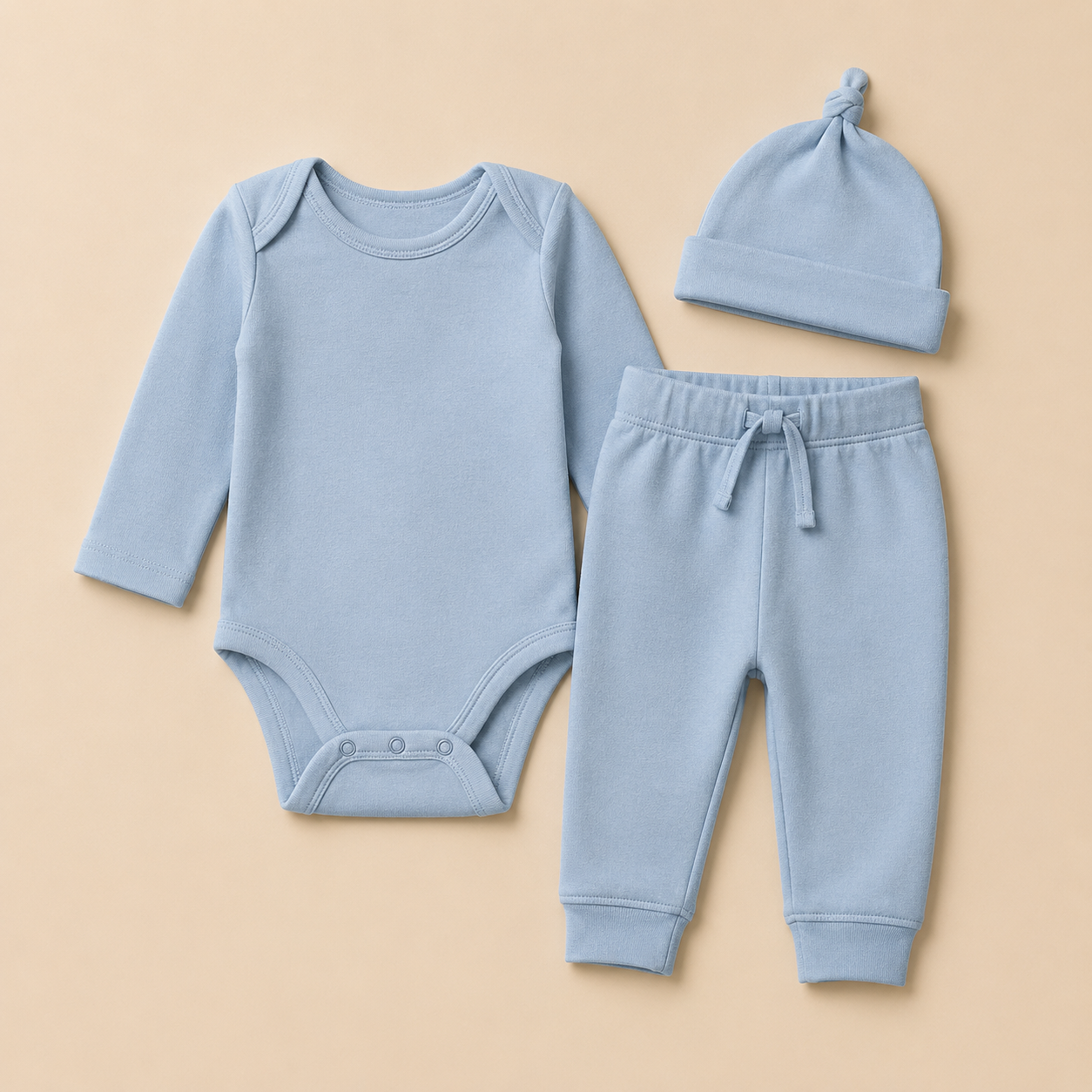
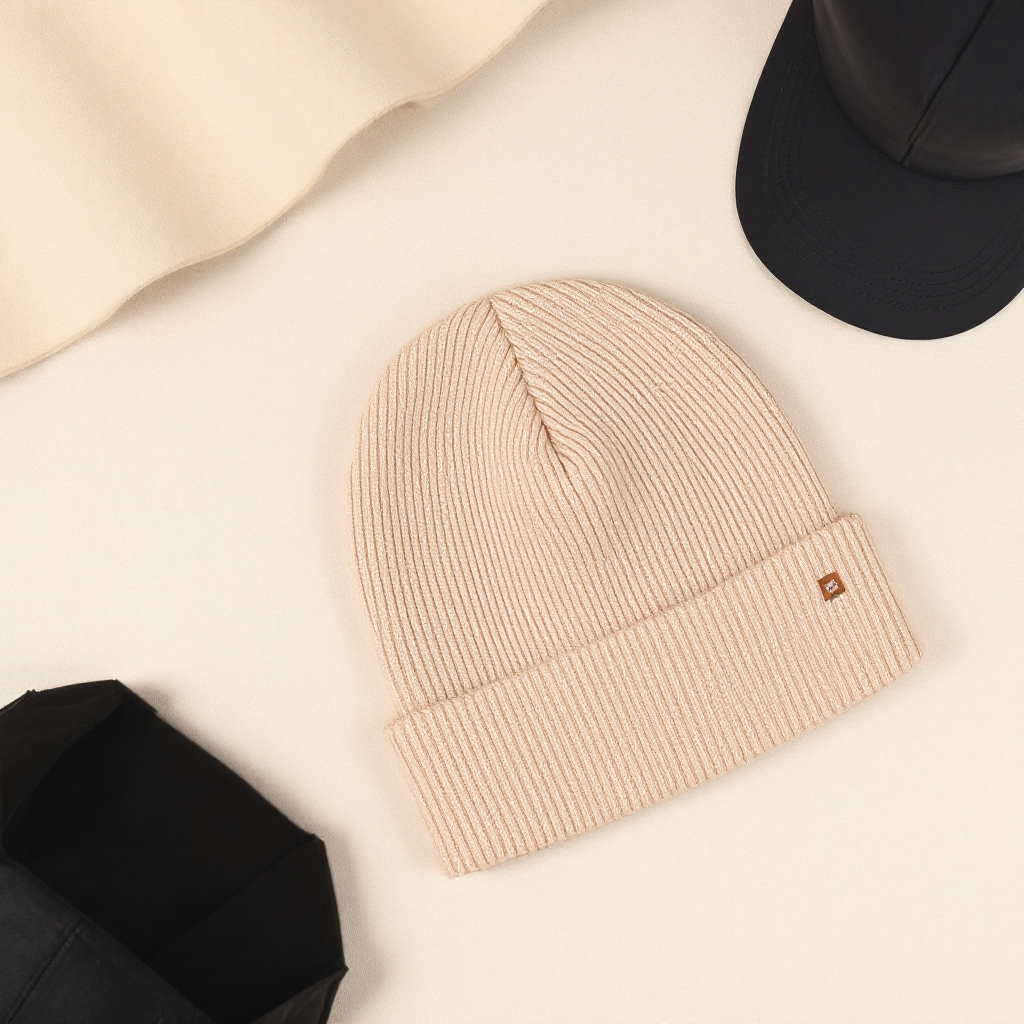
A sofa set, blanket, curtain, jewelry piece, bag, and baby outfit should not share the same prompt. Each category gets its own scene structure.
AI Product Photography for Shopify
One product photo, six ready-to-sell scenes.
Rankavio reads your product, category, and shoot intent to produce a consistent photo set for Shopify. Furniture, fashion, jewelry, and home textile stores get professional results without prompt trial and error.
Production logic
Rankavio does not chase one image. It plans studio, lifestyle, detail, composition, and catalog needs as a complete set for each product type.
Choose one product photo; the background is cleaned, the product is preserved, and 6 category-ready scenes are prepared in one run.
A sofa set, blanket, curtain, jewelry piece, bag, and baby outfit should not share the same prompt. Each category gets its own scene structure.
Pick the scenes you love and add them to your product gallery in one click, with no downloading or re-uploading.
No surprise bills. Every plan has a clear monthly credit limit, and one photo set costs 6 credits.
Category sets
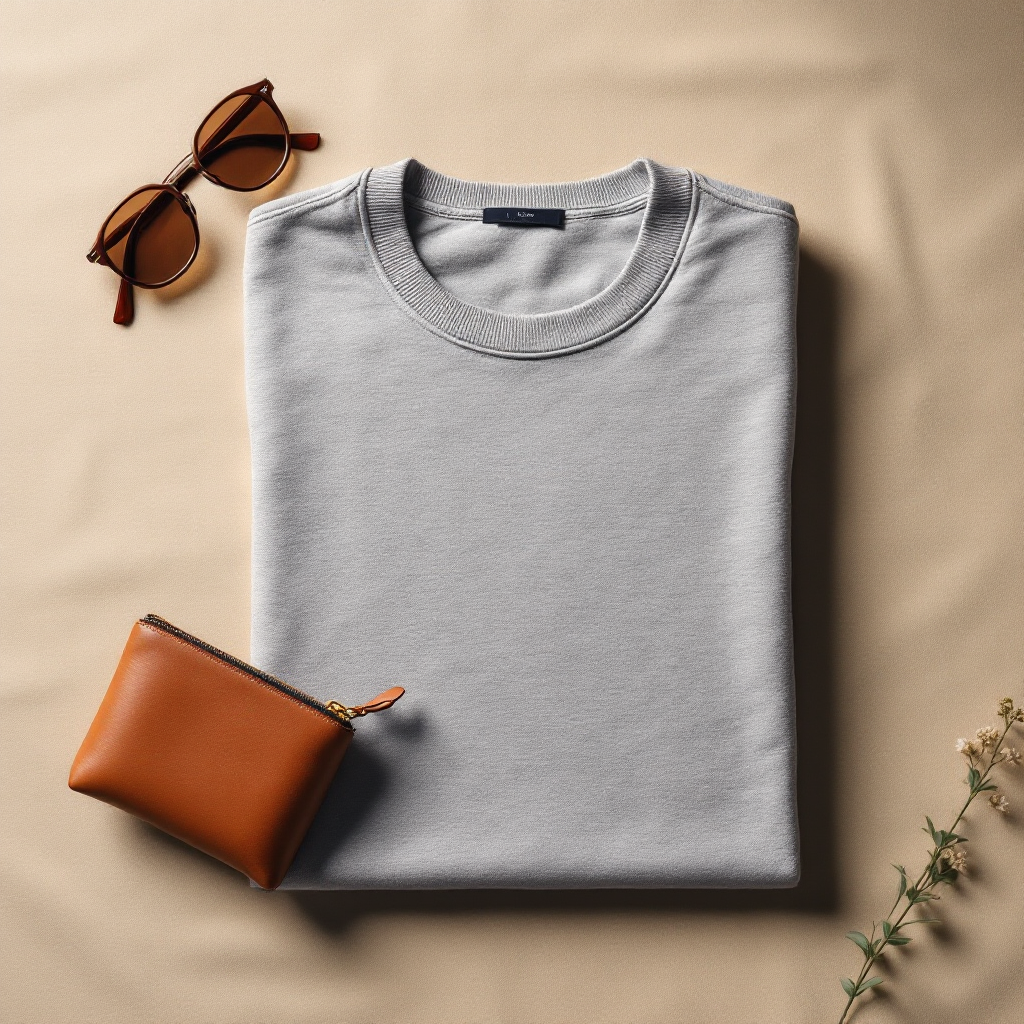
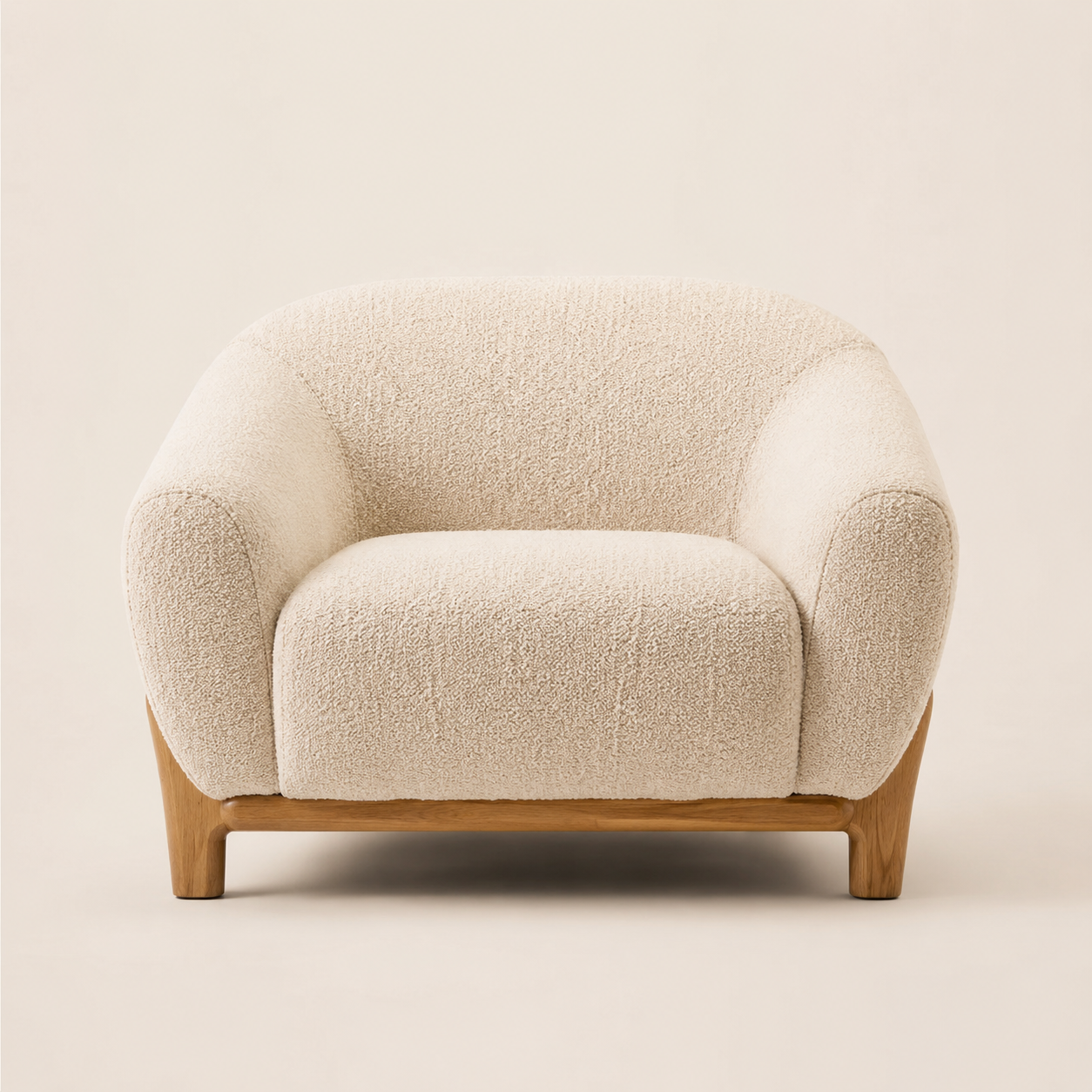
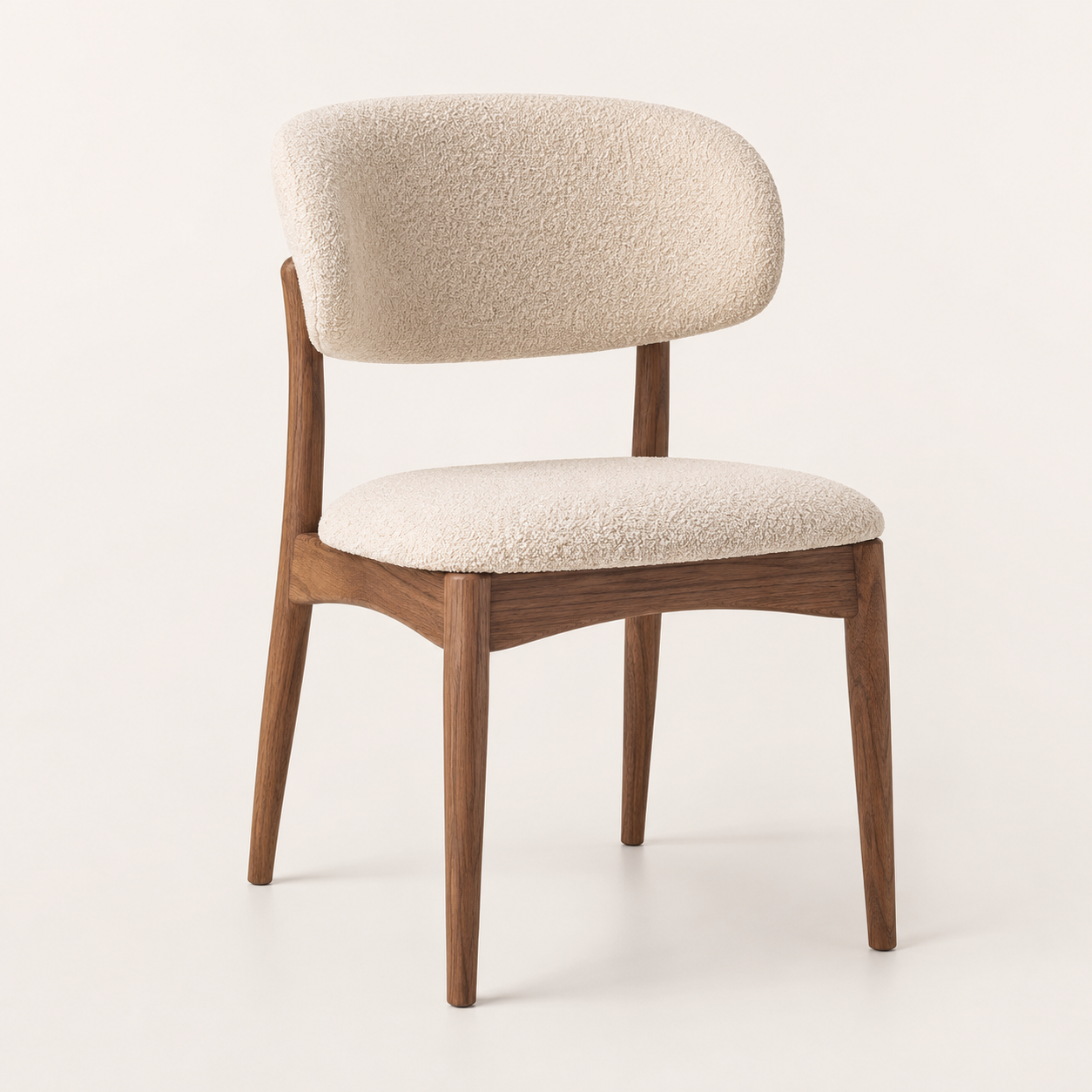
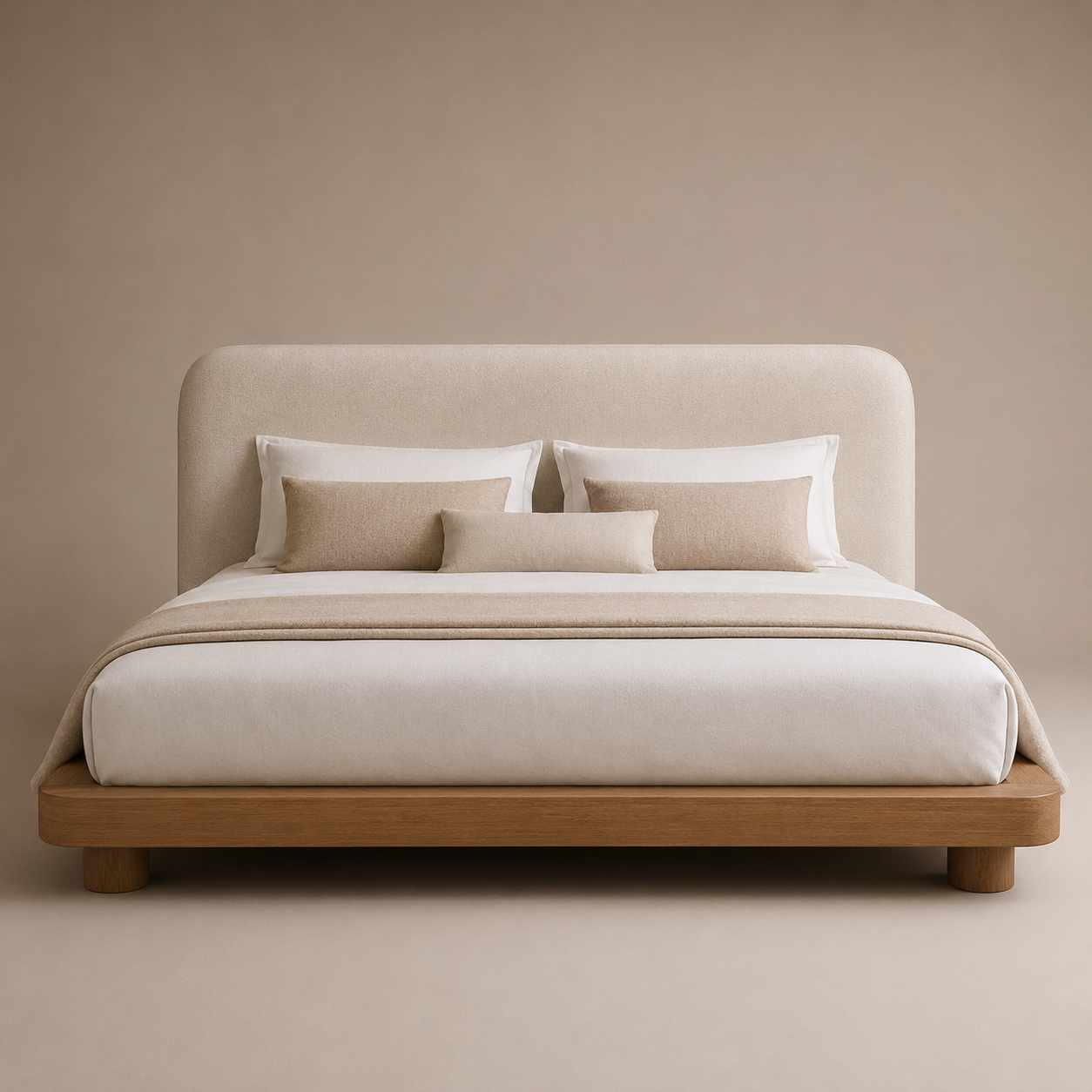
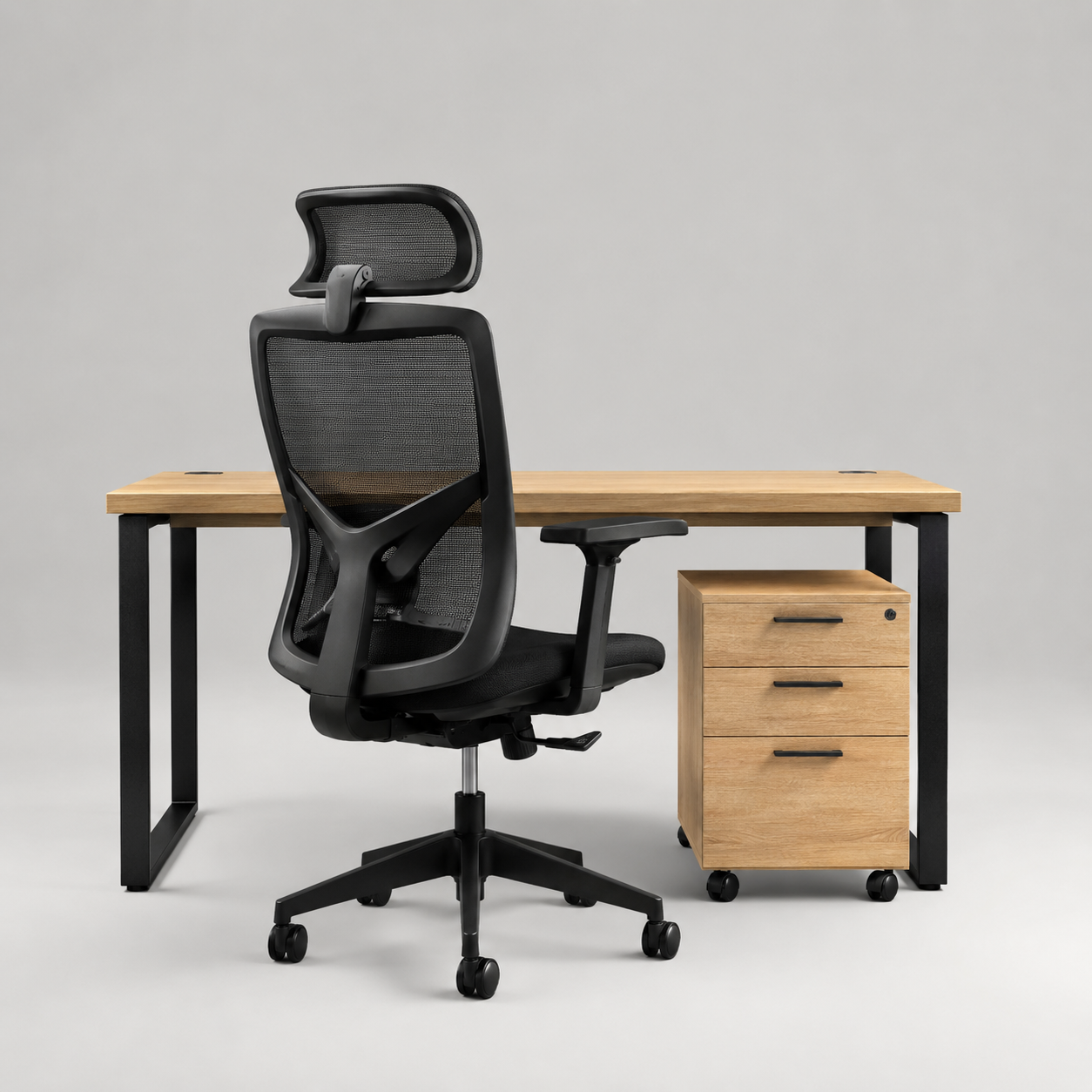
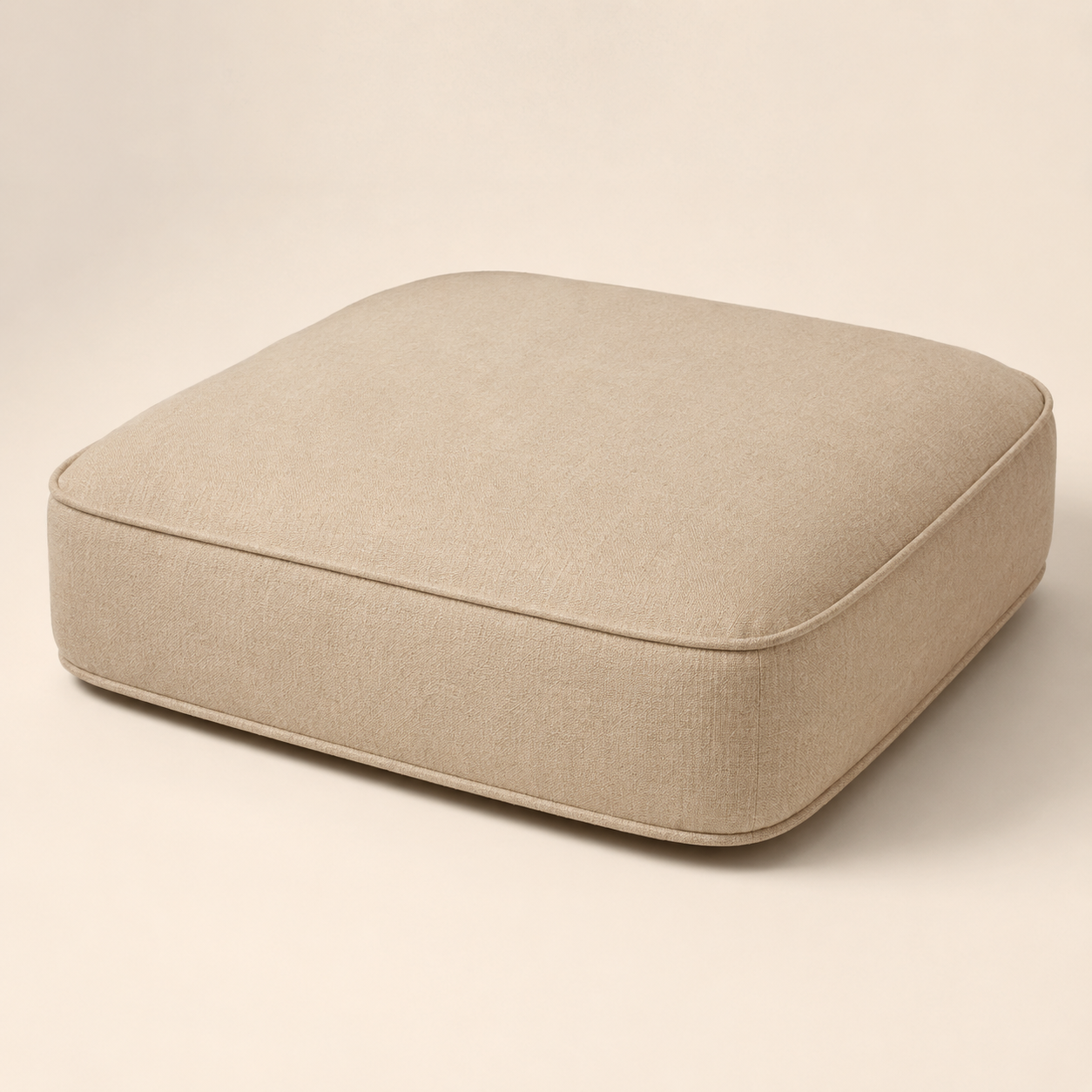
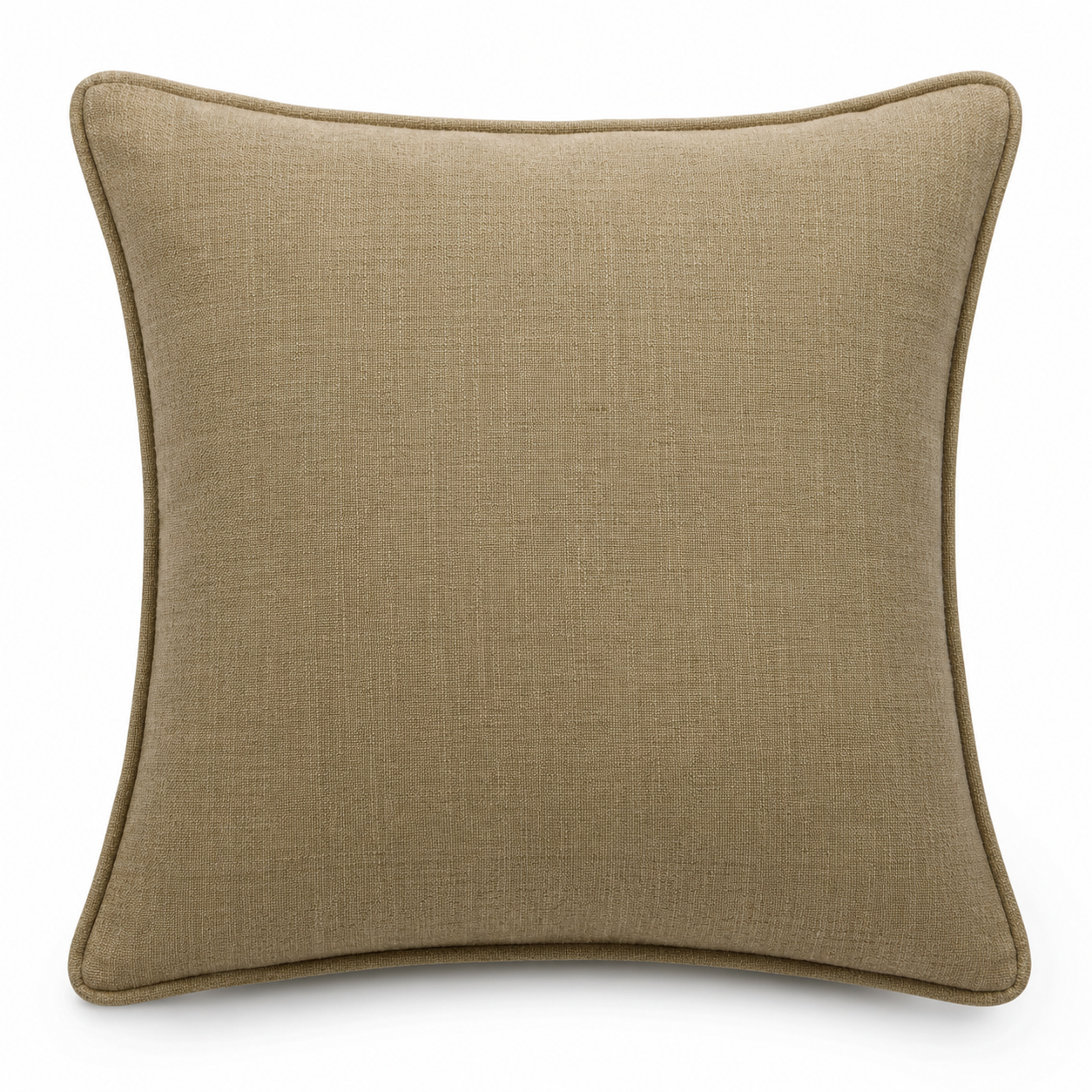
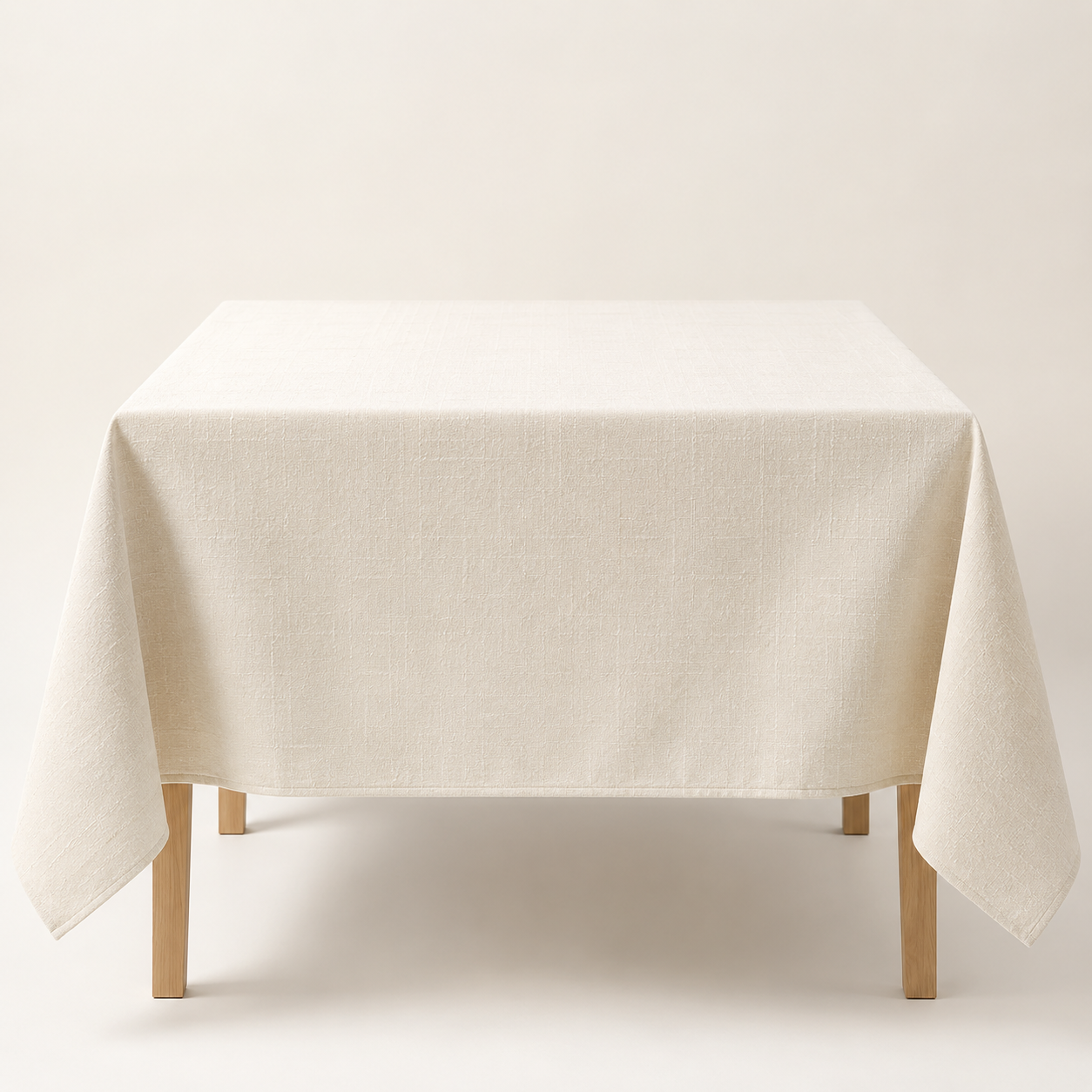
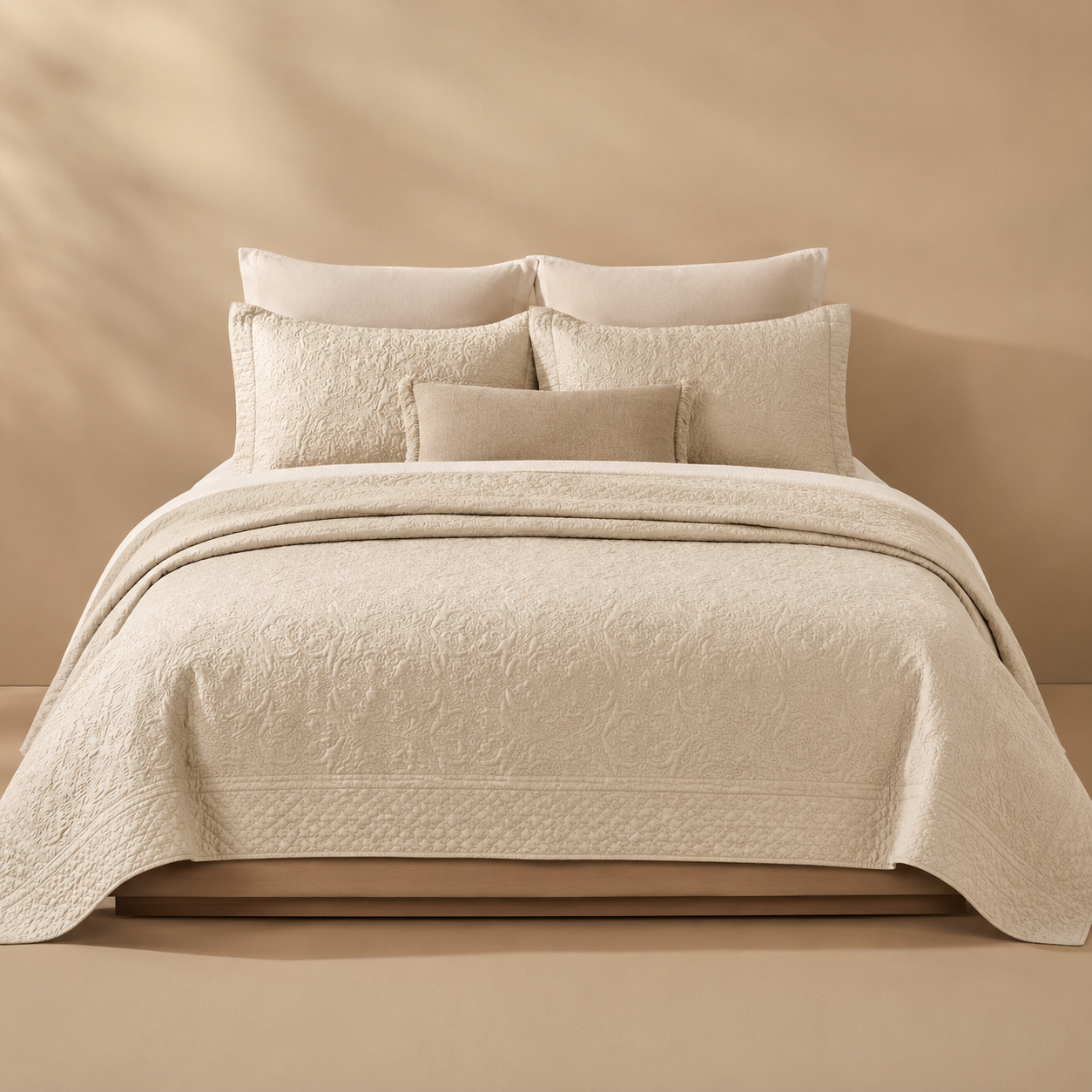
Furniture needs room scale, jewelry needs macro detail, textiles need texture and drape. Rankavio carries those differences into the scene plan.
How It Works
Product selection, set approval, generation, and saving stay in the same place.
Choose a product from your Shopify store, or upload a new product photo.
Rankavio detects the product type and suggests the best photo set. You can manually change the set when needed.
Background removal, scene composition, and rendering run automatically in one click.
Review the results, pick your favorites, and add them straight to your product gallery.
Comparison
The goal is not finding one nice image. The goal is a consistent, cost-aware visual set that works across the product page.
| Rankavio | Other AI photo tools | |
|---|---|---|
| Generation model | 1 click → 6 ready scenes | One at a time, with prompts |
| User effort | Scenes are prepared, category suggestion is automatic | Prompt trial and error is required |
| Output consistency | Category-specific, guaranteed 6 scenes | Depends on prompt quality |
| Shopify integration | One click, straight to product gallery | Mostly manual download / upload |
| Pricing | Fixed monthly credits, no surprises | Variable pay-per-use pricing |
Pricing
Every plan includes a clear monthly credit limit. One photo set costs 6 credits, one single-image refine costs 1 credit. Unused credits do not roll over.
FAQ
From a single product photo, it automatically removes the background and generates 6 ready-to-use professional scenes tailored to your product category: studio, lifestyle, detail shot, luxury display, editorial, and flat lay.
No. Scene recipes for every category are pre-designed by photography experts. All you need to do is upload a photo.
Pick the images you like and add them straight to your Shopify product gallery in one click, or download them and use them anywhere.
Every plan includes a monthly credit limit. Generating a 6-scene photo set costs 6 credits, and refining a single image costs 1 credit. Unused credits don't roll over.
Yes. You can upgrade or downgrade your plan anytime through Shopify, and the change applies on your next billing cycle.
Choose a Shopify product, confirm the photo set, and save the results to your store.